
The AI teaching studio for primary teachers
Every lesson deserves a story.
Type what you're teaching. Stories Alive writes the storybook, sings the song, films the music video and prints the worksheets, all starring one character your class will love.
Round and round,
round we go
- Lesson 1 of 4


What is Stories Alive?
Stories Alive is an AI teaching studio for primary school teachers. From one topic, it creates a whole unit built around a single story: an illustrated storybook, an original song and music video, worksheets, slides and a lesson plan, all starring the same characters.
- Foundation to Year 6Written for the year level you teach
- One topic, one unitSeven connected resources, one story
- Made with a teacherShaped in real Australian classrooms
Once upon a Sunday night…
Watch a whole unit
grow from one idea.
Scroll, and follow Pip the raindrop through a Year 3 unit on the water cycle.

-
 Chapter one
Tell Lucy what you're teaching.
Type a topic in your own words, like "Year 3, the water cycle". Lucy works out the year level and subject, and asks only what she needs.
-
 Chapter two
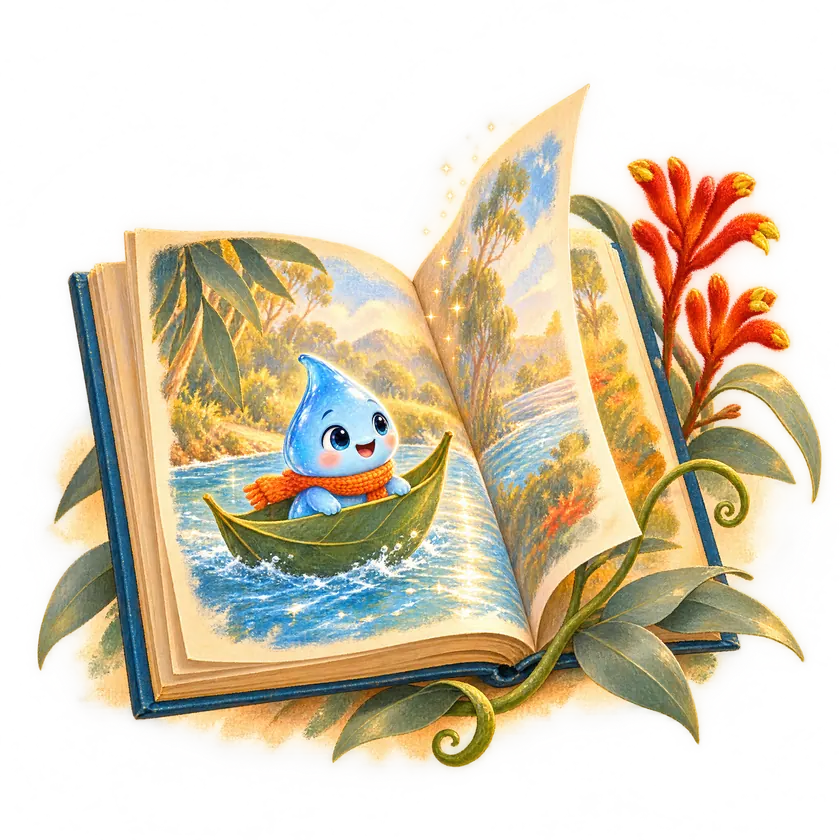
A storybook appears, written and illustrated.
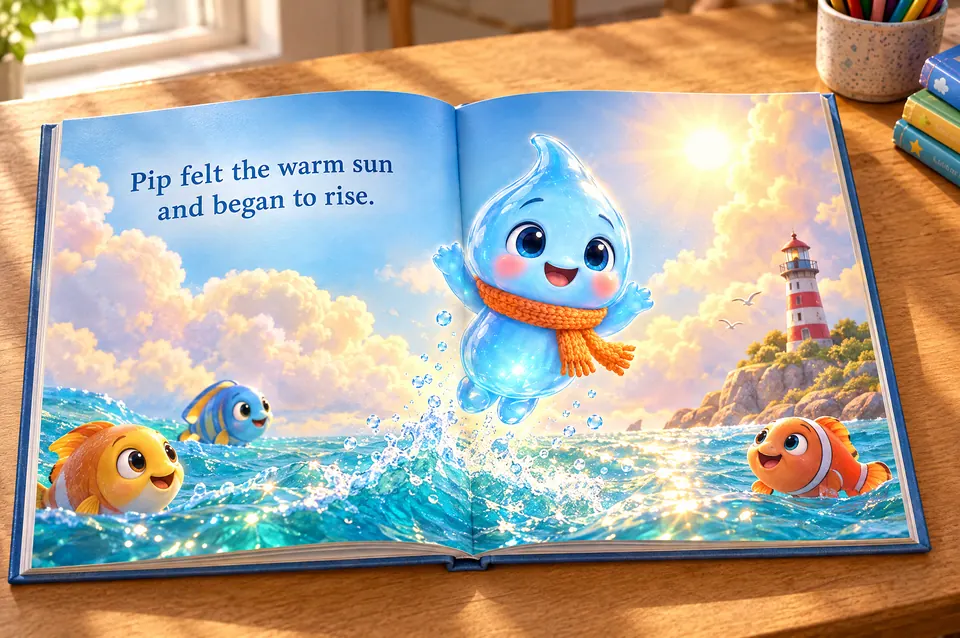
A read-aloud picture book with discussion moments built in, starring a character made for your topic. Change any page by asking.
-
 Chapter three
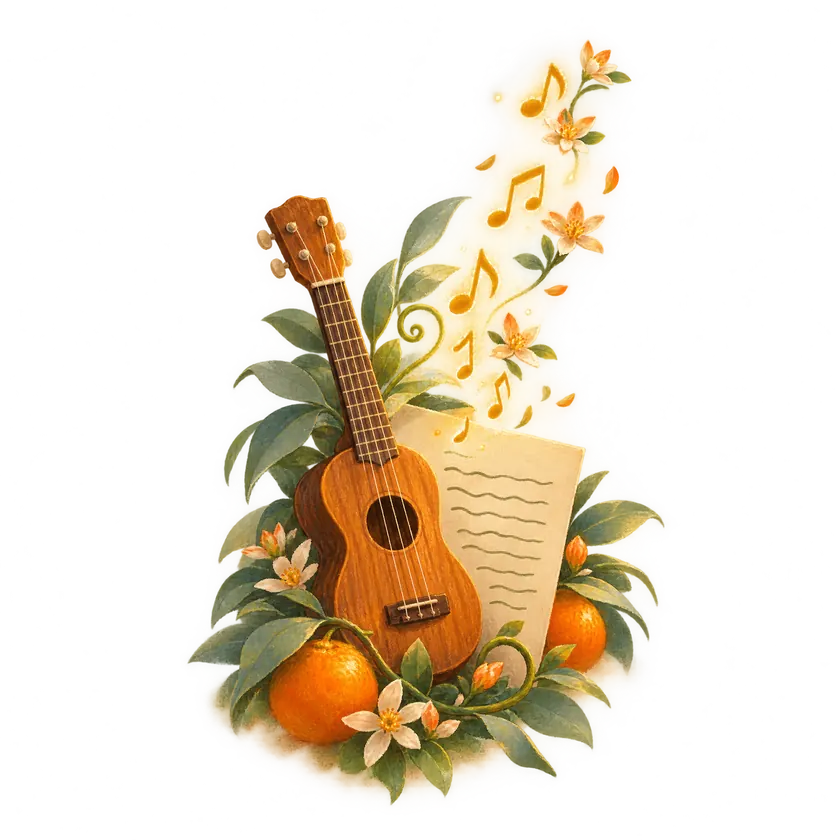
Then a song your class will sing.
An original song about exactly what you're teaching. You read and approve every lyric before a single note is made.
-
 Chapter four
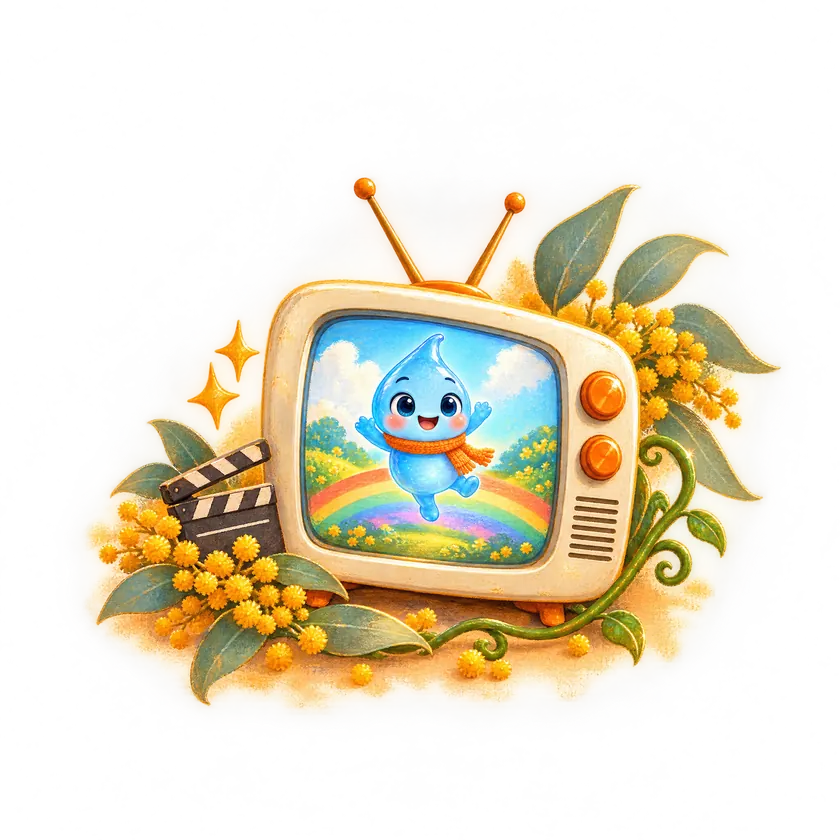
The song becomes a music video.
Storyboarded scene by scene, every shot matched to its lyric, with the same characters from the book. The one they'll ask to watch again.
-
 Chapter five
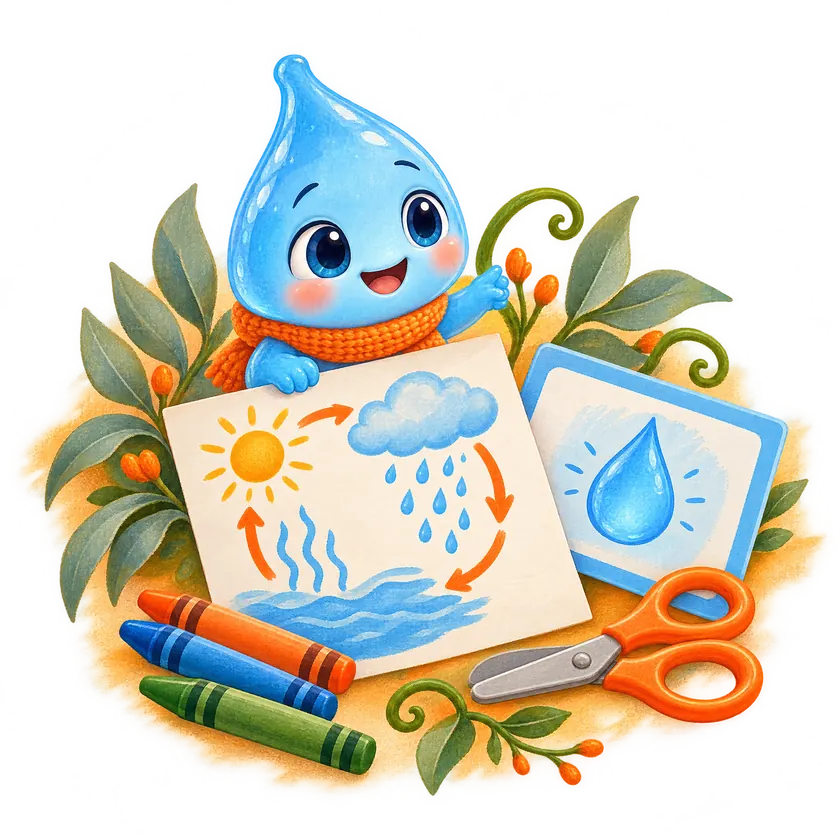
Worksheets and slides that match.
Print-ready activities and a classroom presentation built from the same story, so every resource in the unit connects.
-
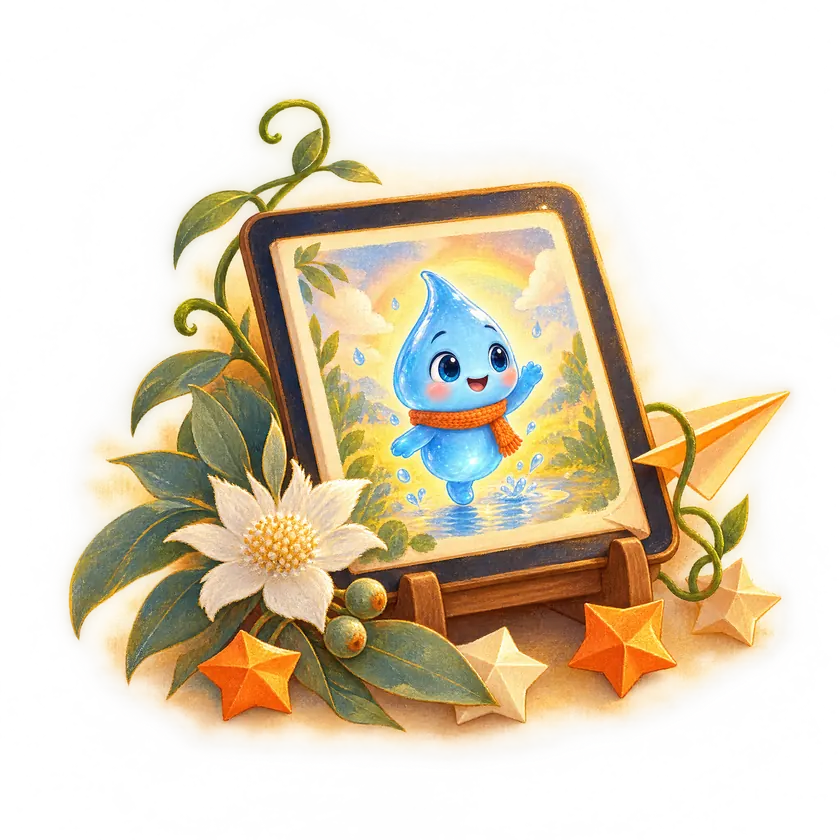 The happy ending
Share it with your class.
Play it on the big screen, send a link home, or open it on a tablet. Monday's lesson, ready before Sunday ends.


Seven resources, one story
Everything a unit needs,
made to belong together.
Verse 1
The sun comes up and warms the sea,
Pip floats up, so light and free,
Up and up to the cloudy sky,
Waiting for the rain to fly.
Chorus
Round and round, round we go,
Up as steam and down as snow,
Rain and river, sea and sun,
The water cycle's never done!


Lesson 1 of 4 · Year 3 Science
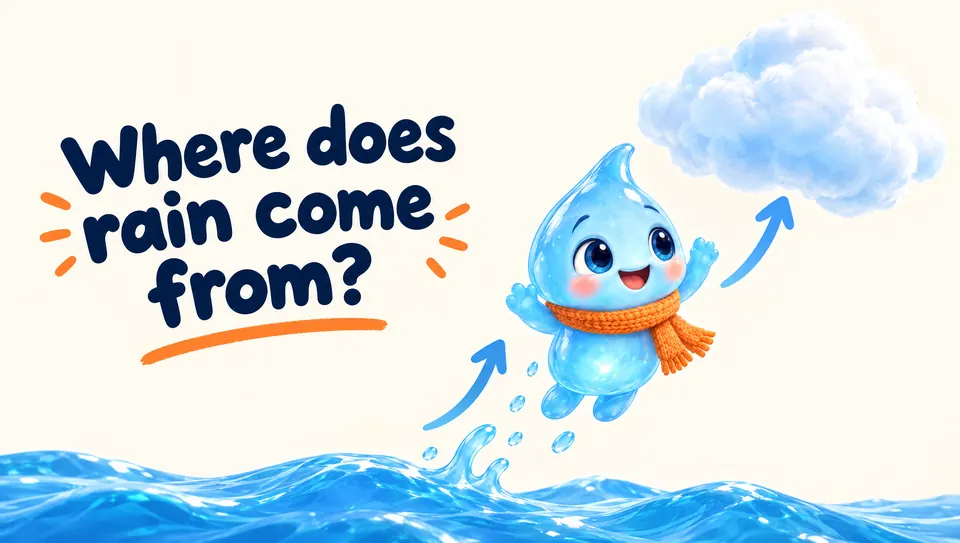
Where does rain come from?
Learning intention I can describe how water moves between the sea, the sky and the land.
- 5 min
Hook Read Pip's Big Journey aloud and pause at the discussion moment.
- 15 min
Explore Watch the music video and spot each stage of the cycle.
- 20 min
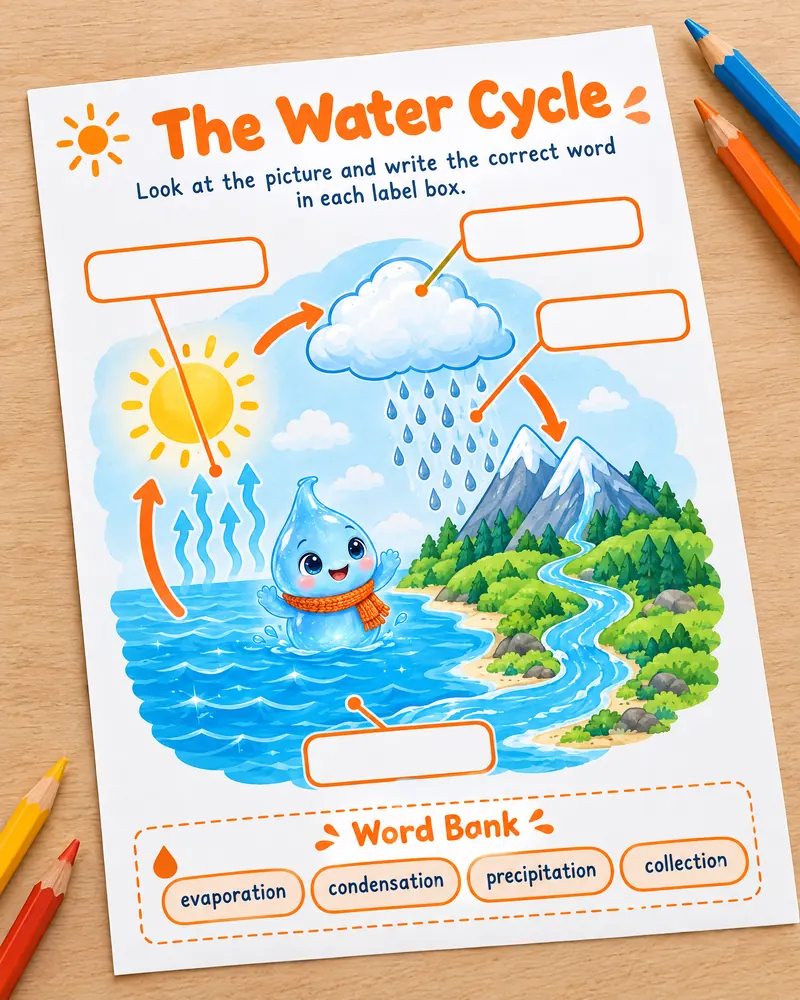
Practise Label the water cycle worksheet using the word bank.
- 5 min
Reflect Sing the chorus together and share one new word.
Resources in this lesson


Characters that stay on model
One character.
Every resource.
Create a character once and they keep the same face, colours and scarf across the storybook, the music video, the worksheet and the slides. Children meet a friend they recognise, not a new face every lesson.
- Make your own characters, or let Lucy suggest one
- Dress them for any unit from the wardrobe
- Reuse them all term long
Your co-pilot
Meet Lucy.
Lucy lives on every page. She can see what you're working on, so you never repeat yourself. Ask her to write, change, fix or explain anything, in plain words.
- Fills in the details for you
- Suggests songs, characters and activities that fit
- Changes any page, line or picture when you ask
Year 3, the water cycle. Something fun for Monday?
Love it. I'll write a storybook about Pip, a raindrop who travels the whole cycle. Want a song to go with it?
Yes! Something they can sing along to.
Done. Here are the lyrics to approve first. Everything is matched to Year 3 Science.
Made for real classrooms
You stay the teacher.
Matched to your curriculum
Tell Lucy your year level and topic and every resource is written to fit what you're required to teach.
Nothing goes out unchecked
Approve song lyrics before music is made, and change any line, page or picture before your class sees it.
Your library, by unit
Every storybook, song and worksheet is kept together, ready to reuse next year or share with a colleague.
Built for the big screen
Read along on the interactive whiteboard, then print the matching activity in one click.
No tech skills needed
If you can send a text message, you can make a whole unit. Lucy guides you the rest of the way.
- Coming soon
Playable learning games
Turn any topic into a small 3D world your class can explore, count and sort in.
Questions
Good questions,
straight answers.
What is Stories Alive?
Stories Alive is an AI teaching studio for primary school teachers. You type what you're teaching and it creates a connected unit around one story: an illustrated storybook, an original song and music video, worksheets, slides and a lesson plan, all starring the same characters.
Who is it for?
Primary school teachers working with children from Foundation to Year 6, and the school leaders who support them.
Is the content matched to my curriculum?
Yes. You tell Lucy your year level and topic, and every resource is written to fit what you're required to teach.
Do I get to check everything first?
Yes. You read and approve song lyrics before any music is made, and you can change any page, line or picture by asking Lucy or editing it yourself.
Do I need to be good with technology?
No. You describe what you want in plain words and Lucy guides you through the rest. If you can send a text message, you can use Stories Alive.
Can I reuse characters across a unit?
Yes. Characters stay on model, with the same face and style, across every storybook, music video, worksheet and slide.
How do I get access?
Stories Alive is opening to teachers in stages. Join the waitlist and we'll email you when your place is ready.
Longer answers: how every line in a game is checked for children, and how one counting topic becomes a storybook, a music video and a game.

And they all learned happily ever after
Your next unit could be
ready before Monday.
Join the waitlist and we'll email you when your place is ready.